Overview:
This week we covered the next 6 Principles of Animation and also Bone Rigging and animation within Unity. We had to make an idle, jump, run, and walk animations using this new animation type.
The Principles:
The seventh Principle is arcs, I tried to follow this in the impacts after the character lands in the run and jump animations and also the elbow movement in the idle animation so that the animations seemed more fluid and natural.
The eight is secondary action, which I used in the extra arm movements in the walk, run and jump animations.
The ninth is frame timing, which was a bit awkward to implement as these actions were happening in a similar timeframe to each other but in the run animation there are more frames than the other animations in a relatively similar duration giving the sense that the run is actually faster than the other animations kind of.
The tenth is exaggeration, with a set sprite that could only do rotations along the bone joints and not really be altered further, exaggeration wasn’t really possible but in future with a different sprite I will implement this further.
The eleventh is solid drawing, which has the character at an angle to give them more of a 3D appearance. This was used in this as the character is not entirely horizontal to the camera (idk the right words there but I think the point comes across).
The twelfth is appeal, which wasn’t really doable as I didn’t make the sprite.
The Animations:
We were given a template where all of the body parts and joints were on separate layers so that they could be read by Unity as separate sprites within the character as a system. We then attached bones from the root up to the head and then along the legs and arms to make the body move relatively naturally, assigning the geometry and weight before editing specifically which bones could move each of the sprites so that the arm moving didn’t contort the whole torso for example.
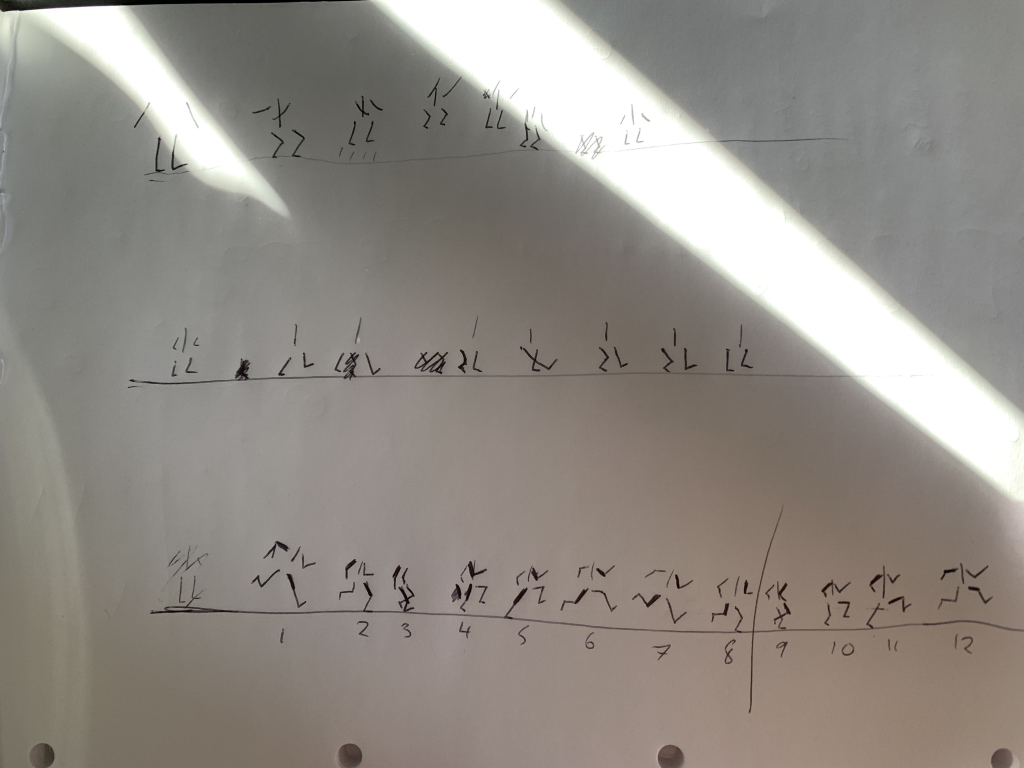
Next was planning the animations. I drew frame by frame a stick man doing each of the actions so that I had a template for the character to follow.
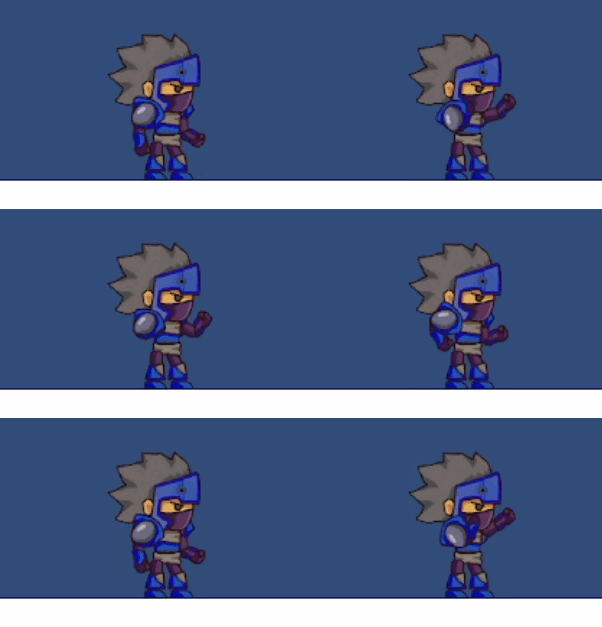
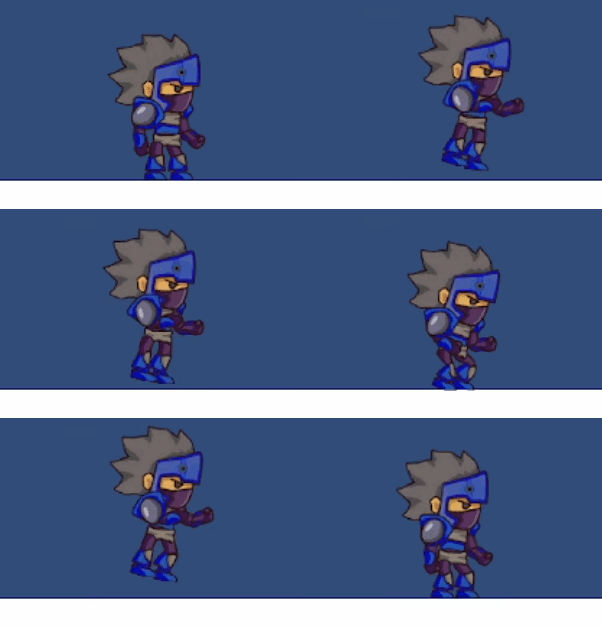
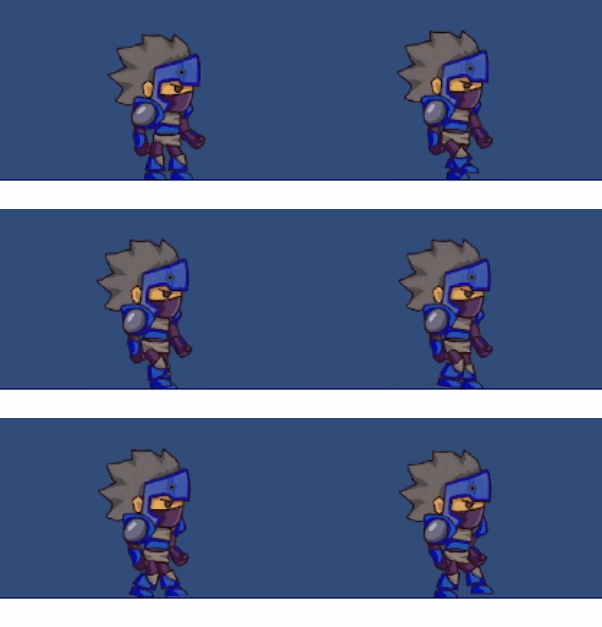
For the actual animating we had to go by time intervals and change the sprite position for each time spot which, when played, would move through the positions and create the animations below.
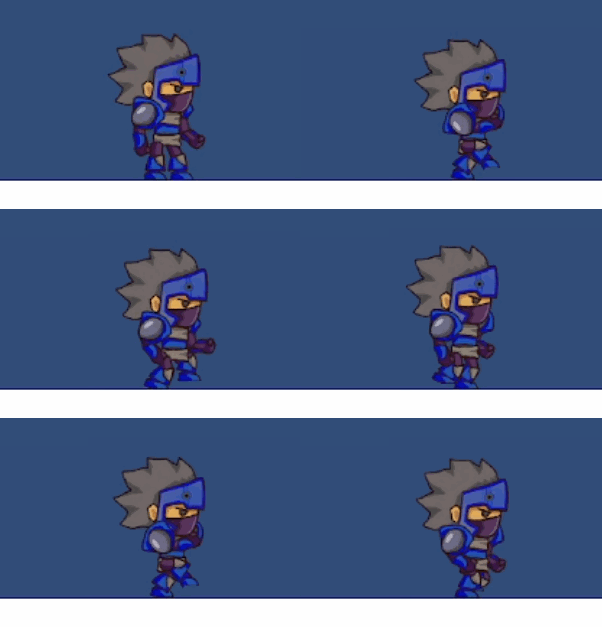
Overall: