Link to the game: T.G.D.J.C.P.
The third of the 4 prototypes was a top down shooter type game where the player moves around and is followed by continuously spawning enemies that the player shoots by aiming the mouse.
Design and Sprites
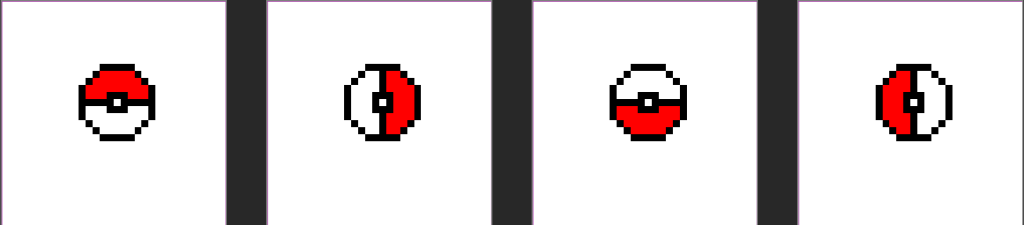
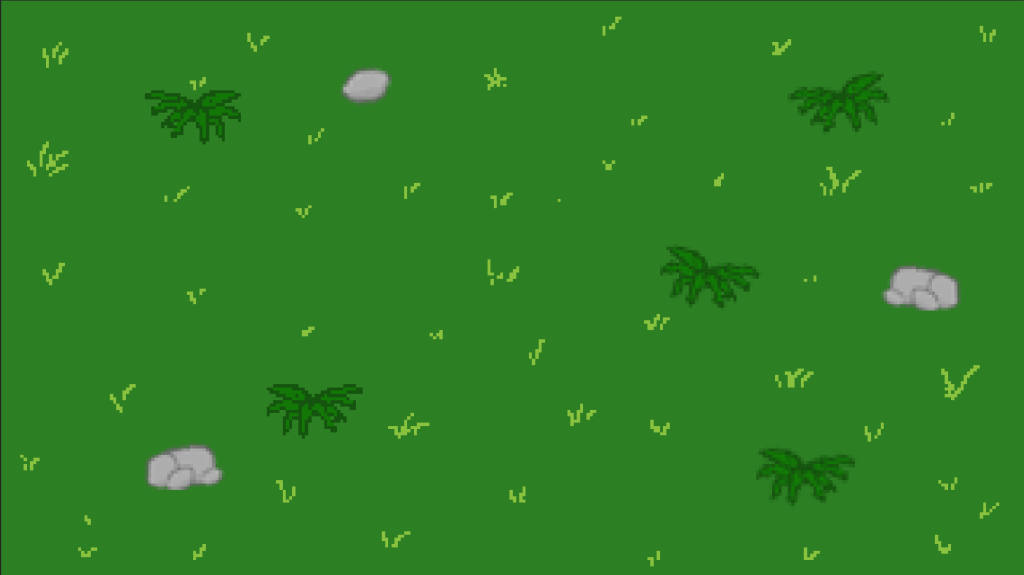
I decided to make this game Pokemon themed because i like Pokemon so made 2 particularly round Pokemon into enemy sprites that would roll towards the player, a pokeball that also spins, then a plain grassy background and a crosshair.



The Scripts
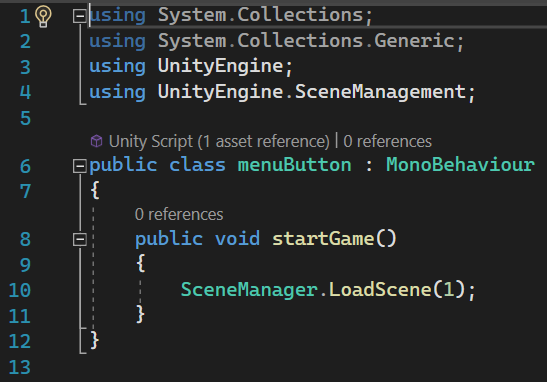
The game starts on a menu with a simple script that loads the game scene when the menuButton is clicked.
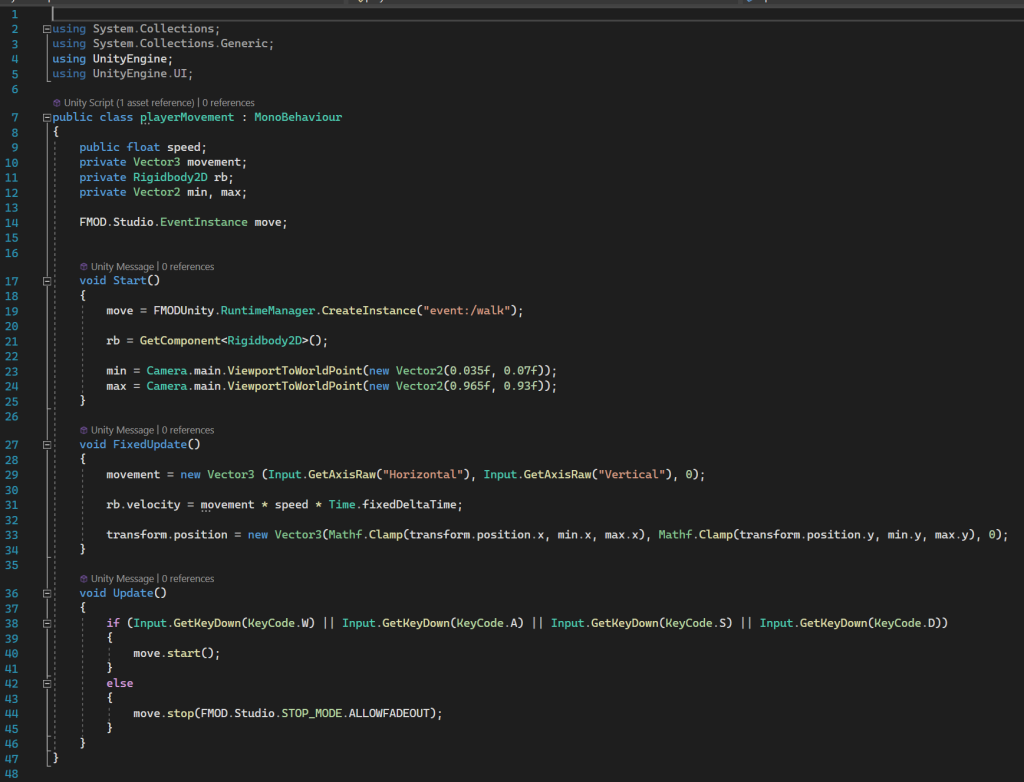
The player movement script contains the min and max vector 2s that serve to help make a 2D clamp similar to that of the 1D clamp in the space invaders, stopping the player from moving out of bounds and breaking the game. The rest of the script is just Vector 3 movement and an audio update void at the end.
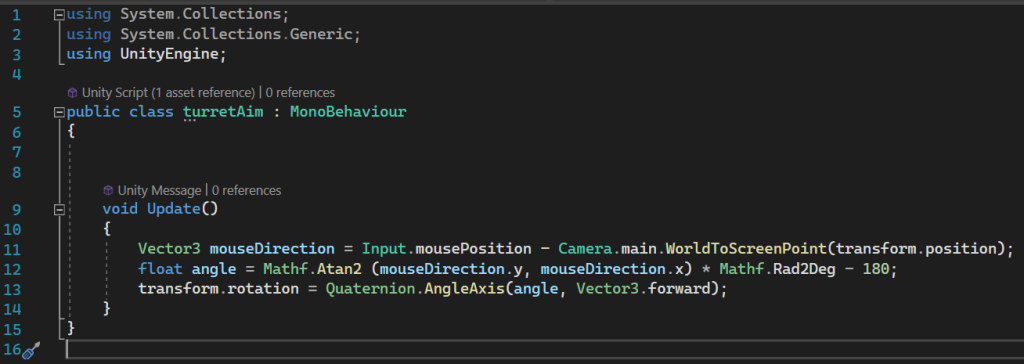
The next player mechanism is turretAim, which measures the angle of the mouse from the player and then points the turret at that angle +180 so that the turret always faces the mouse. For my player, i removed the sprite for the turret but the code remains necessary for the aiming.
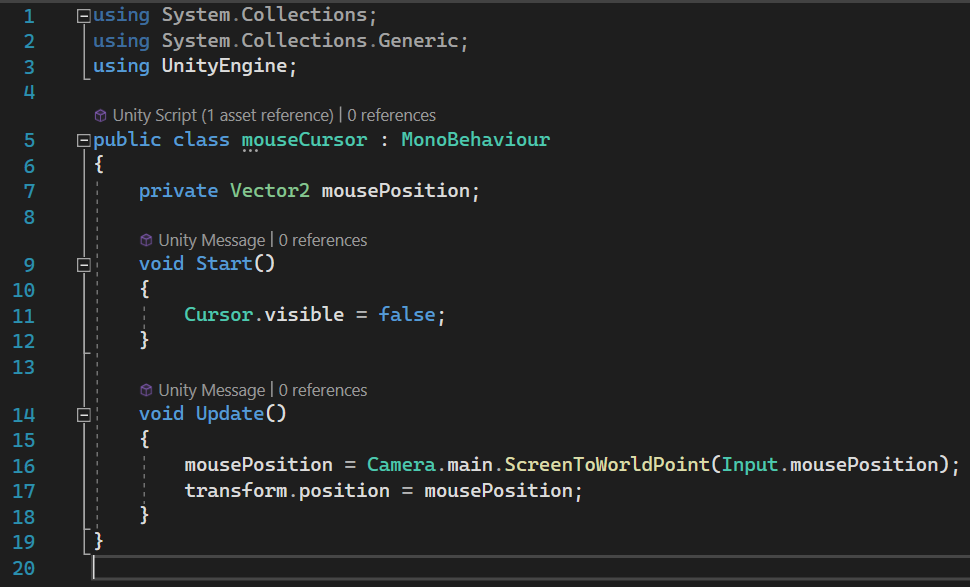
The mouseCursor script monitors the mouse’s position on the game map and then moves the crosshair sprite to it, whilst hiding the normal cursor.
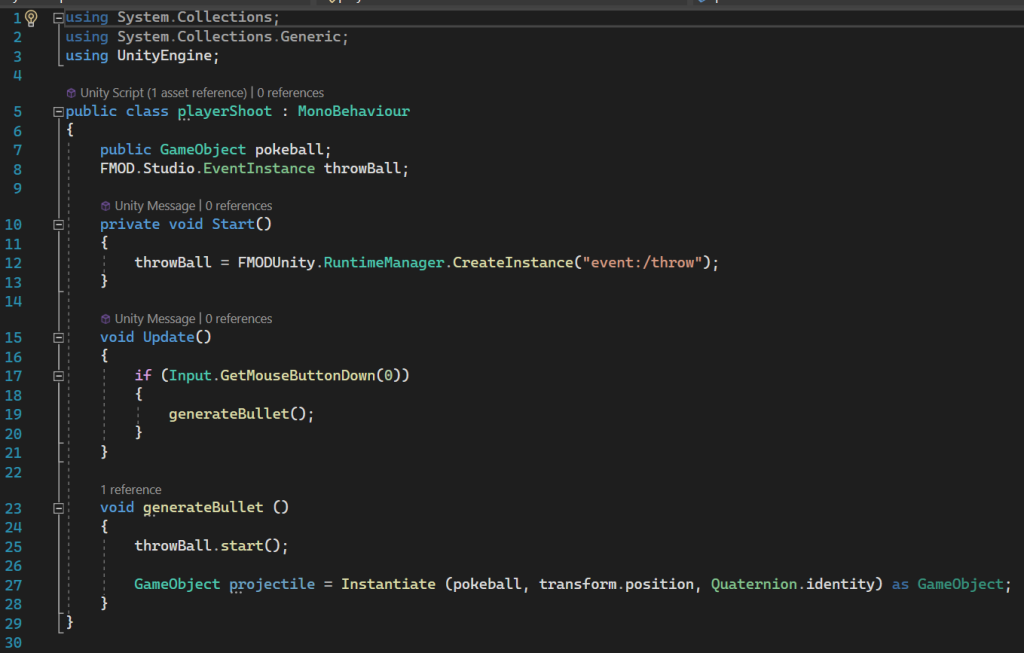
Now that the player can aim, the pokeball can be created. On the mouse click, it now triggers the generate bullet void, creating a sound and a pokeball that can travel from the position of the turret in the angle of the cursor as a game object.
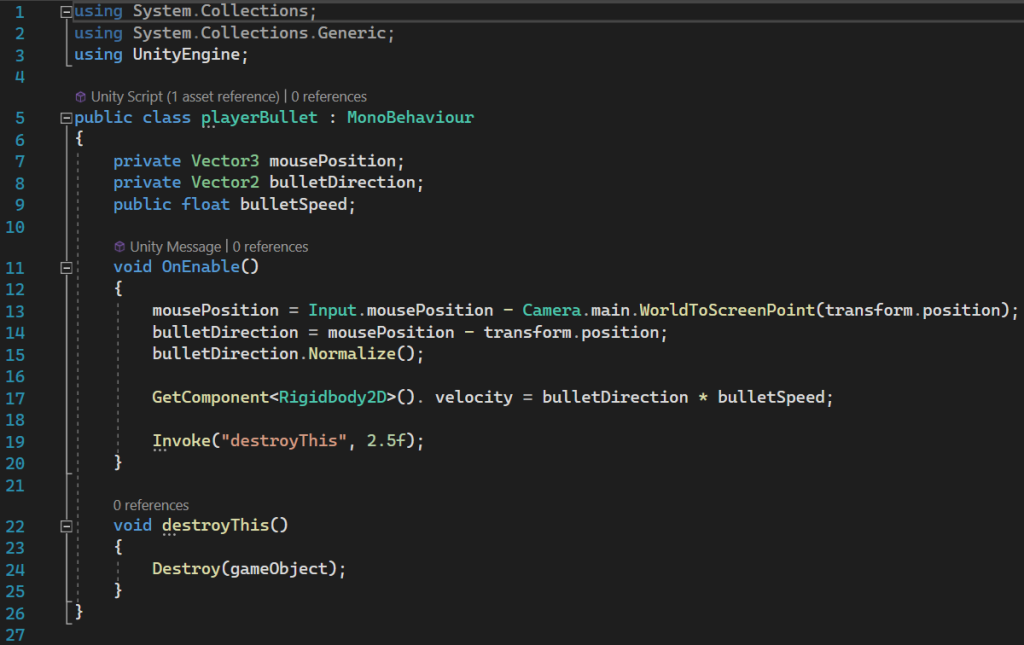
Once the bullet spawns, this script triggers its move in the direction of the cursor which is found by finding where it is and then taking it away from where it is not, then the bullet is normalised so that it doesnt shoot off unreasonably quickly. Then after 2.5 seconds, the bullet is definitely out of the map so it triggers destroy this, which is then called to destroy the bullet.
Now that the player is dealt with, the enemies need to spawn.
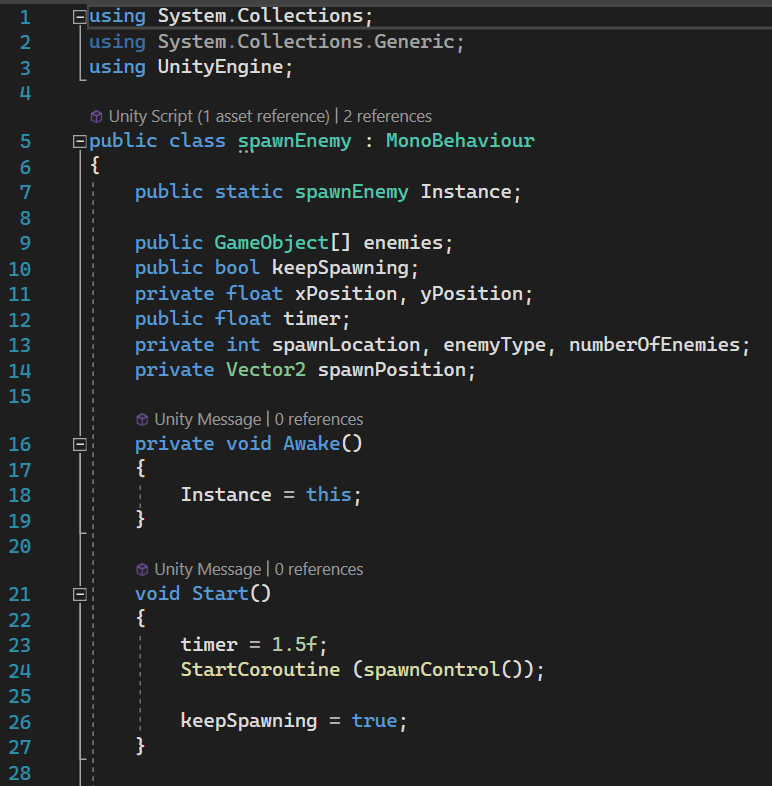
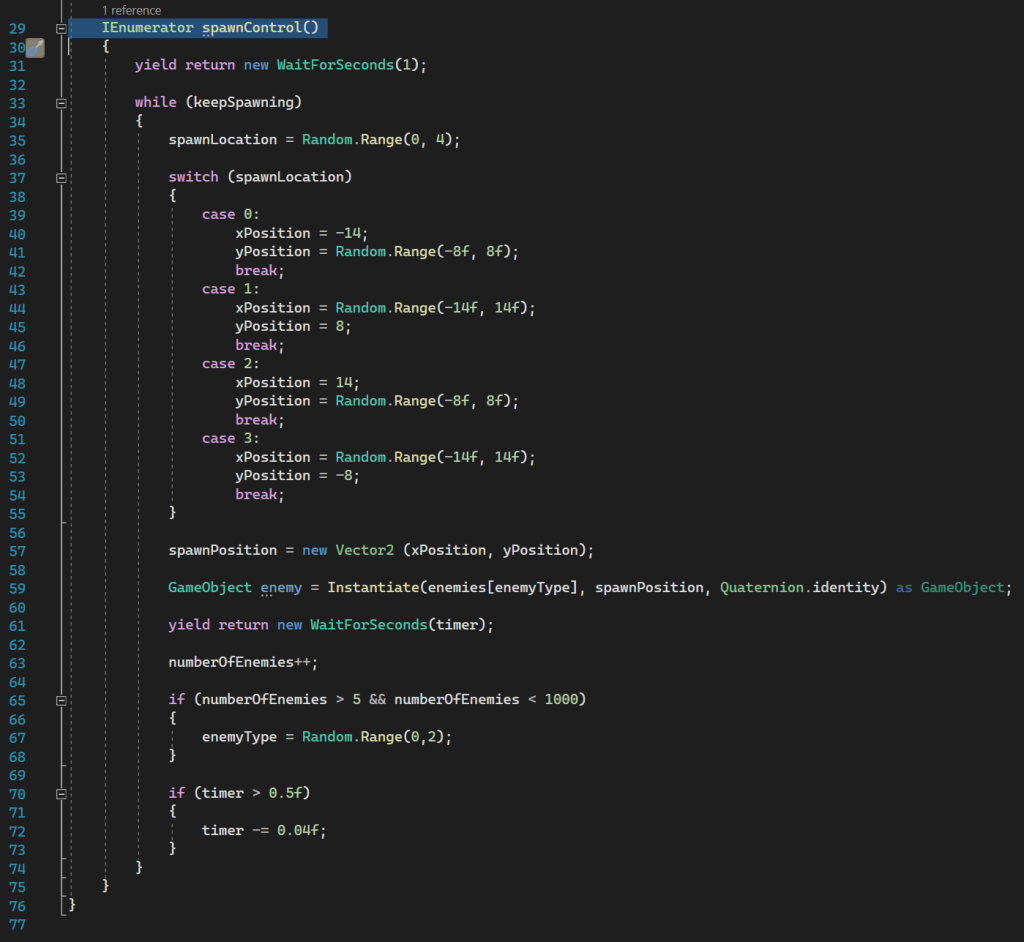
It first creates an instance of itself so that this script can be called upon by other scripts later.
Then it sets an initial timer of 1.5 and starts the spawnControl coroutine, which waits for 1 second initially. While keepSpawning is true, the code will pick a random number between 0 and 4, which means 0 and 3, with each value being one particular side of the map, e.g. 0 locks the x axis at -14 but allows the y to change between -8 and 8, meaning that this point is just outside the left vertical side of the map. This position generated from the random number and then random range of the x/y coord depending on the first number, becomes this current enemy’s spawn position and an enemy is then spawned there. Then wait for the timer, increase the enemy counter and then check its value. If it is less than or equal to 5, then the game will only spawn level 1 enemies, but if it is greater than 5 then the game is able to choose level 2 enemies to spawn too. Then, as long as the timer is above 0.5 seconds, it is reduced by 0.04 seconds. All of this then loops with the enemy count gradually increasing and the timer decreasing so that the enemies get harder and the enemies spawn faster.
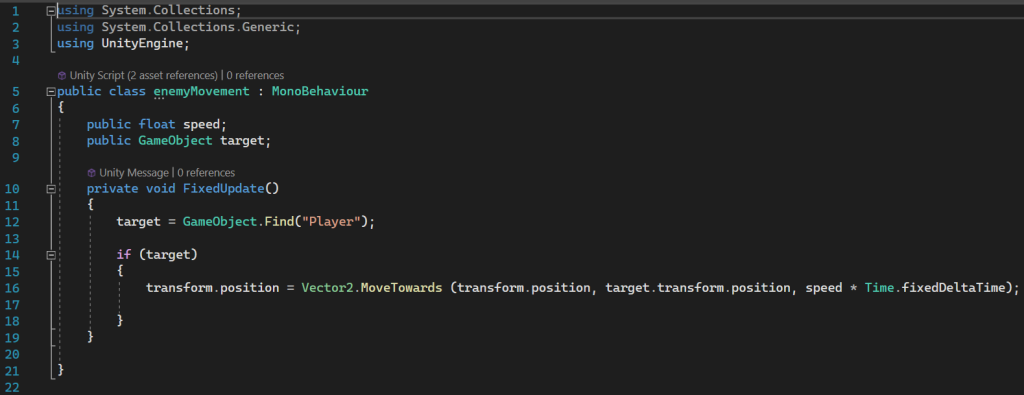
Enemies then locate the player with the find command and start moving towards them.
Different things happen depending on what the enemies collide with, for example if one collides with the playerBullet, then the enemy is destroyed, a particle effect is played, score is increased and finally the bullet is destroyed.
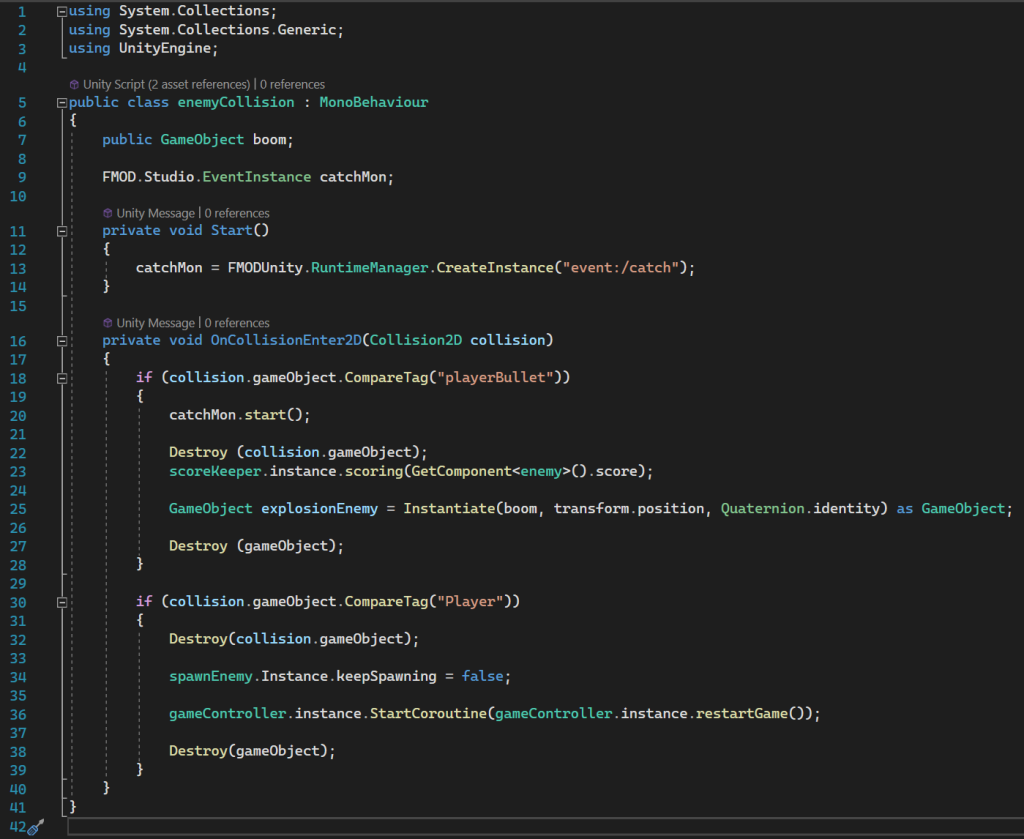
However, if the enemy collides with the player, the player is destroyed, keepSpawning is turned to false, preventing any more enemies spawning, the coroutine restartGame is triggered from the gameController script, and the enemy is finally destroyed.
The gameController first creates an instance of itself so that it can be referred to. It then sets up the escape key to stop the game so that the player doesnt have to close or refresh the tab to leave the game.
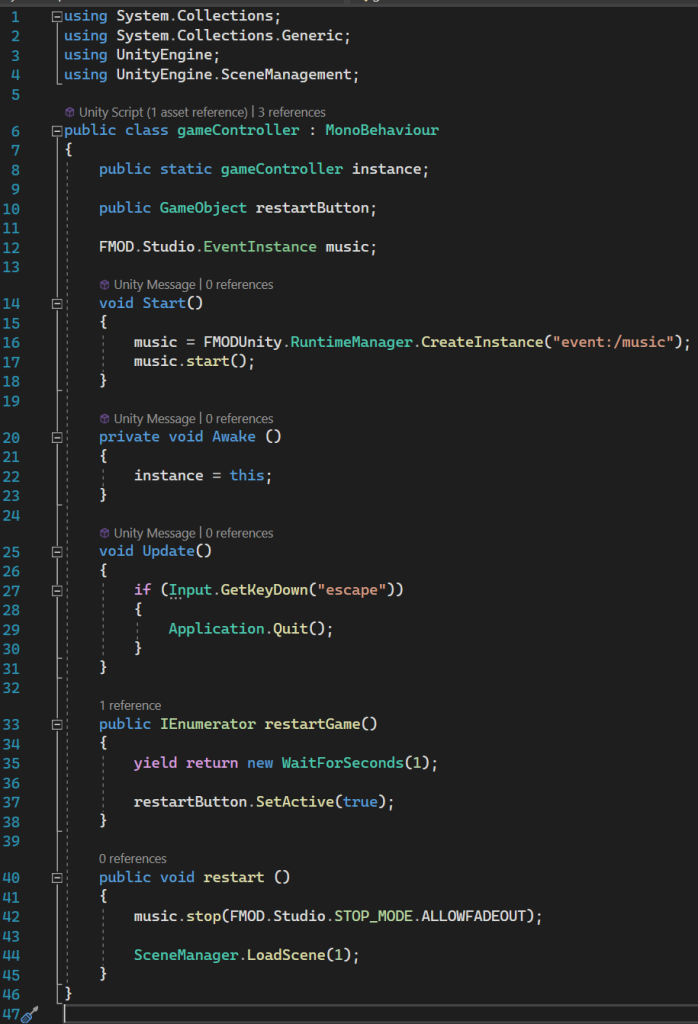
Next is the restartGame coroutine that is triggered by the enemy/player collision. It waits a second to allow any explosions or sounds to finish and then activates the restart button that, when pressed, stops the music and loads the game scene from the beginning.
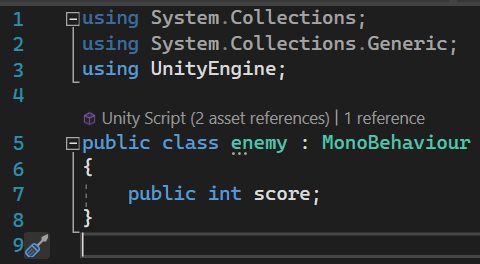
The enemy script gives each enemy a point value.
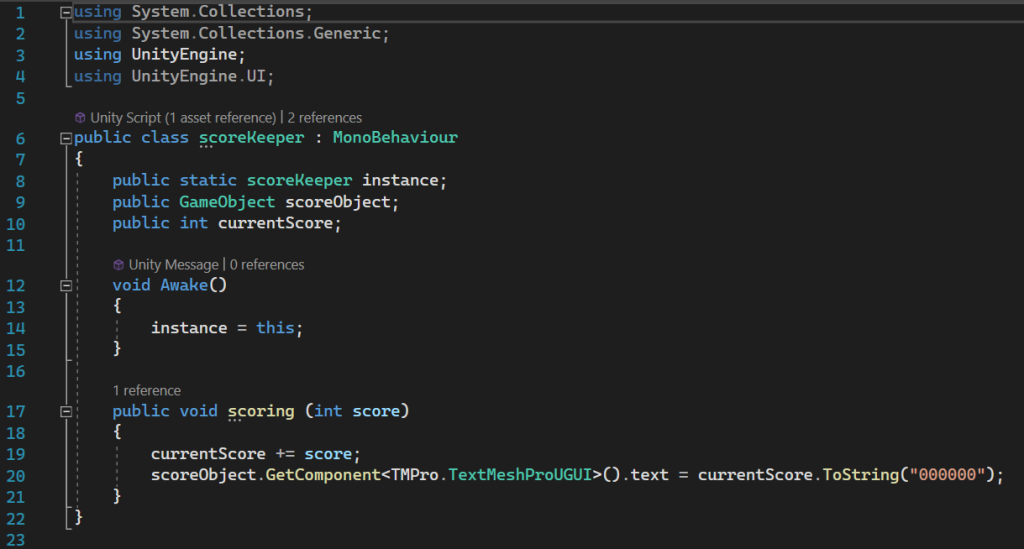
Scorekeeper creates an instance of itself so it can be accessed by other scripts like enemy collision and controls the text that displays the player’s score, keeping it in the format of “000000”. In this case the enemy/bullet collision grants points to the player.
Changes I Would Make Next Time
I think with another go I would definitely add more enemy types of different difficulties, such as faster enemies or slower enemies with more health. An improvement I would also make is making the enemy rolling animations face the way they are travelling as opposed to rolling one direction and moving the other.